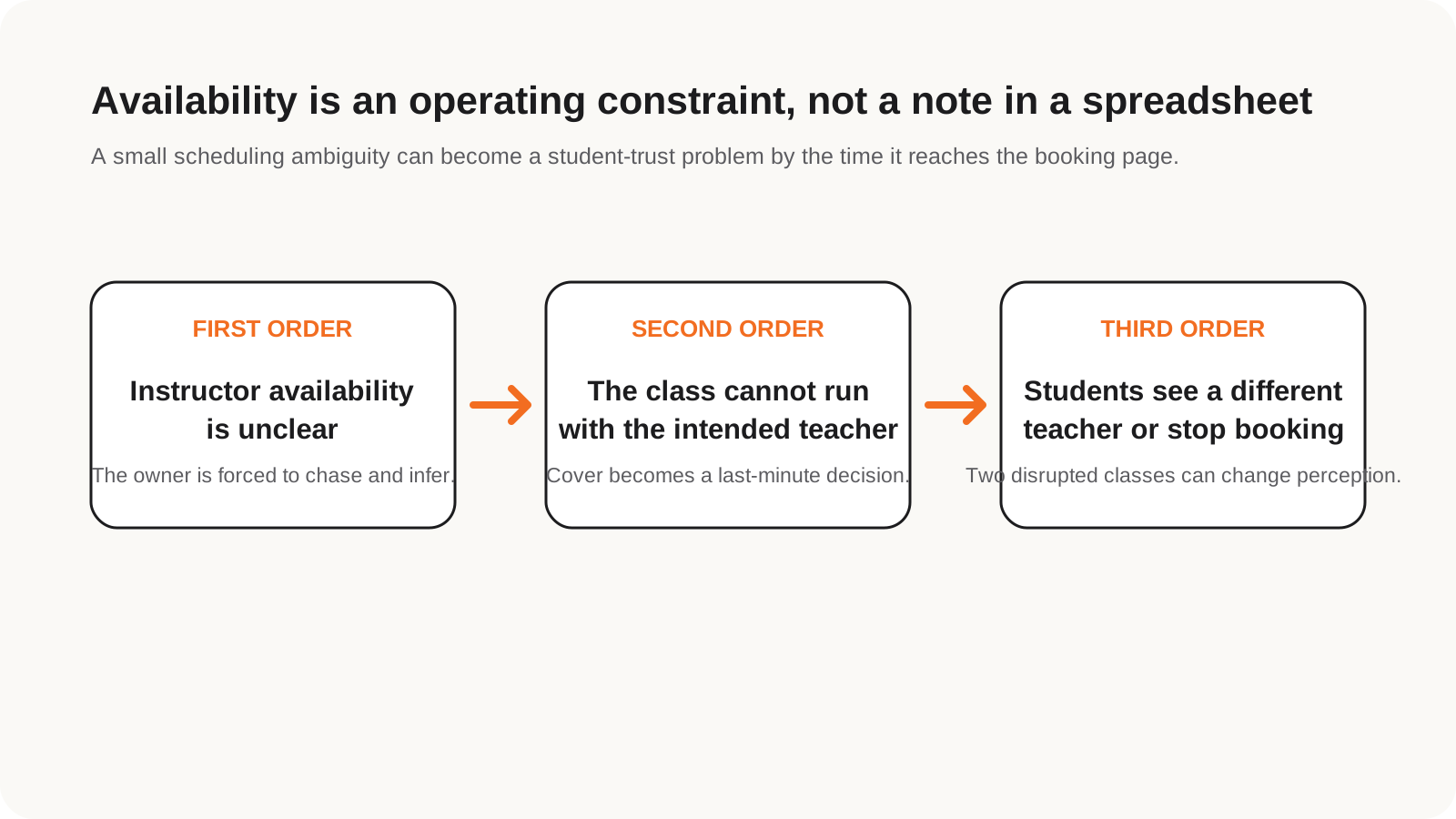
First order: The class cannot run as planned
If availability is unclear, the owner cannot confidently assign the intended instructor or confirm that the class can be delivered.
Luma guide
A timetable-first guide to instructor availability, temporary cover, rooms, publishing and the downstream booking impact of unclear schedule decisions.
Studio scheduling software should collect instructor availability, identify temporary absences, find cover for affected sessions, check rooms and conflicts, and publish a reliable timetable. Luma is designed for recurring group-class studios where unclear availability can stop a class, change the student experience, and reduce future bookings.
A Monday 6 pm class is taught by Emma for weeks 1–2. Emma records an absence for weeks 3–4. The studio identifies only those sessions, selects Alex, checks availability and room conflicts, sends a request if required, and publishes the cover. Weeks 5–6 return to Emma without rewriting the term.
If availability is unclear, the owner cannot confidently assign the intended instructor or confirm that the class can be delivered.
A substitute, cancellation or late update changes the experience students thought they had booked, especially when they chose a teacher deliberately.
If the pattern repeats, students may stop booking that class. Even two disrupted sessions in a term can create a perception that the timetable is unreliable.
| Decision point | What to verify |
|---|---|
| Timetabling | Can the tool collect instructor availability, create schedules, and publish classes? |
| Bookings | Can students self-serve booking, waitlists, and attendance? |
| Credits and memberships | Are balances, passes, and memberships understandable and recoverable? |
| Payments | Who owns processing, fees, payouts, and reconciliation? |
| Lock-in | Can the studio cancel, understand offboarding, and confirm what data access is available today? |
It helps studio owners plan class timetables, assign instructors, manage rooms, publish classes, and keep students and staff aligned.
For scheduling, yes. The aim is to move availability collection, timetable building, instructor confirmation, and publishing into one place.
Record a dated absence, identify only the affected sessions, find a suitable substitute, check availability and rooms, confirm the cover, notify students, and return to the original instructor automatically after the absence window.
It can prevent the intended class from running, create an unexpected teacher change, and weaken student confidence. If the pattern repeats, students may book less often or choose another class.
Luma is designed around collecting availability, shaping the schedule, finding cover, confirming the change, and publishing only the affected sessions.